Create a client
Add a brand, configure its details, and enable its modules.
A client is the brand or company you serve. Each client has its own data, modules, and team.
Steps
-
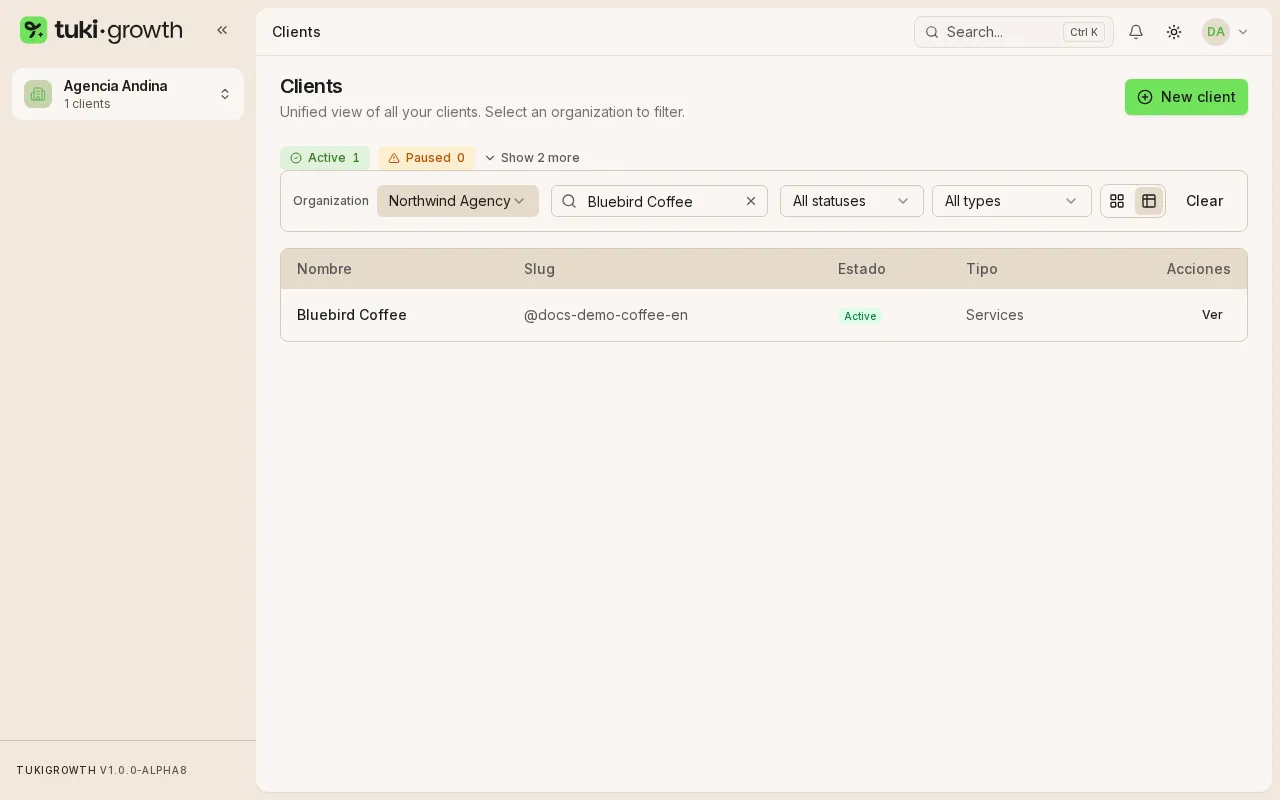
In the sidebar, open Clients and pick your organization in the Organization selector. You’ll see your organization’s brands.
-
Click New client at the top right.
-
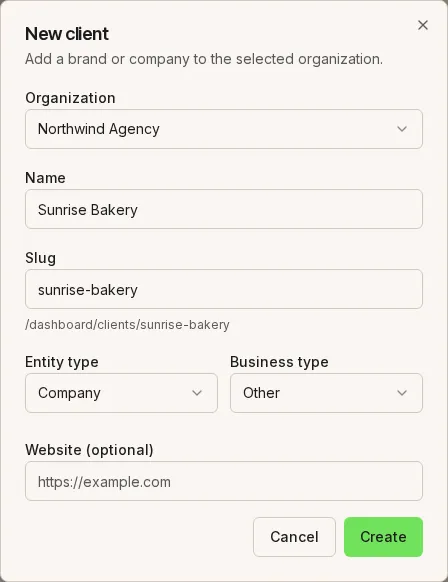
Fill in Name and Slug (required). Choose the Business type (E-commerce, Services, Hybrid, Local business, SaaS, or Other), Entity type, Website, Timezone, and Primary language.
-
Click Create client. It appears in the list.
-
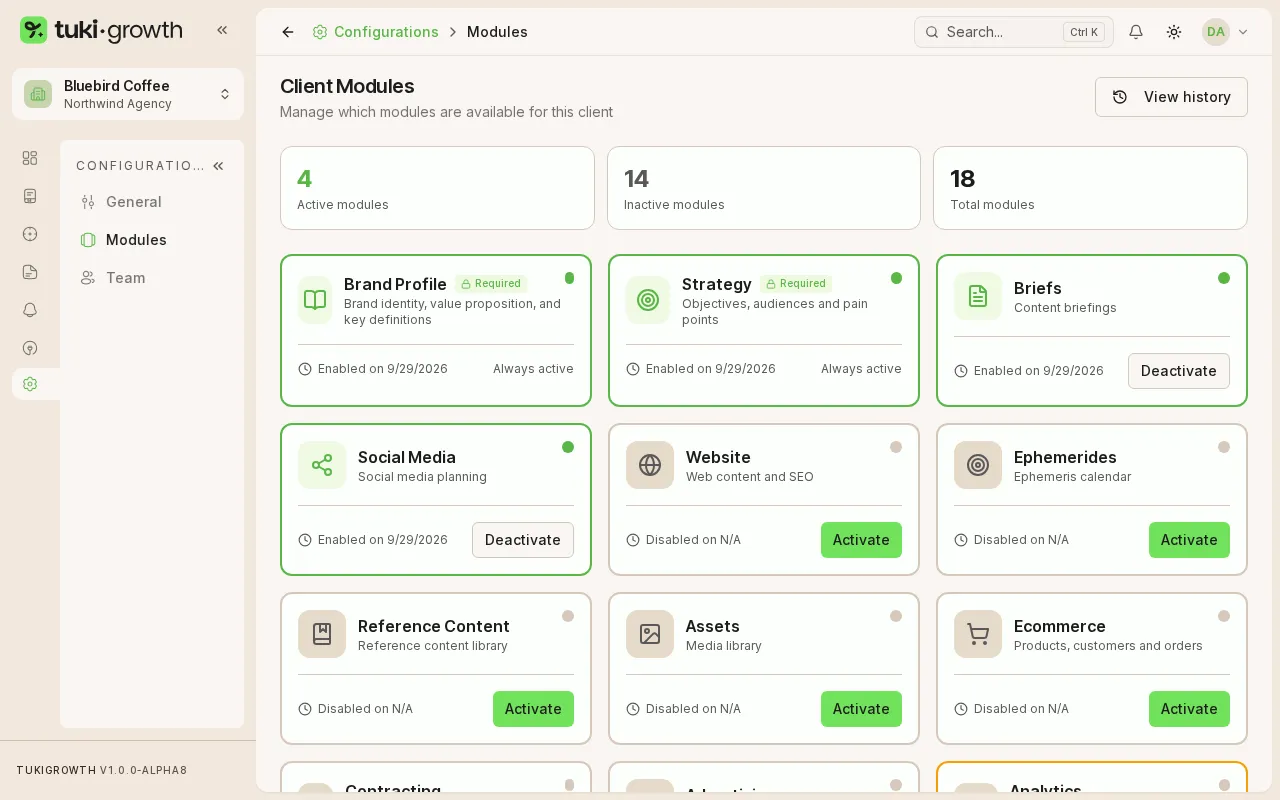
Open the client and go to Modules: enable only what that brand uses (Brand Profile, Strategy, Briefs, Social Media, Website, Ecommerce, Contracting, Advertising, Email Marketing). When you pick the client in the sidebar selector, its modules show up in the menu.