

Create your account and organization
Sign up, verify your email, and create your agency's organization with a free 14-day trial.
The organization is your agency’s workspace: your clients, your team, and your plan live inside it. Whoever creates it becomes the Owner. This guide takes you from sign-up to the welcome screen.
Create your account
Open the sign-up page
Fill in Name, Email, Password (at least 12 characters), and Confirm password.
Click Create account
The Check your email screen appears. We send you a message with a verification link.
Verify your email
Open the link in the message. It takes you straight to your organization setup. If you can’t find it, use Resend verification email: the button is available again after 60 seconds.
Open the invitation link
If the invitation is valid you’ll see Invitation valid and the organization’s name. If it says This invitation has expired, ask for a new one.
Create your account or sign in
Complete the sign-up, or sign in if you already have an account.
Accept the invitation
Signing up doesn’t add you to the organization automatically: you have to accept the invitation explicitly.
When you accept, you join an organization that already exists.
To come back later, sign in with your Email and Password. Check Remember me to stay signed in, and use Forgot your password? to recover access.
Create your organization
Name your organization
On Set up your workspace, type the Organization name. The URL identifier (slug) is generated from the name and you can edit it: it accepts lowercase letters, numbers, and dashes.
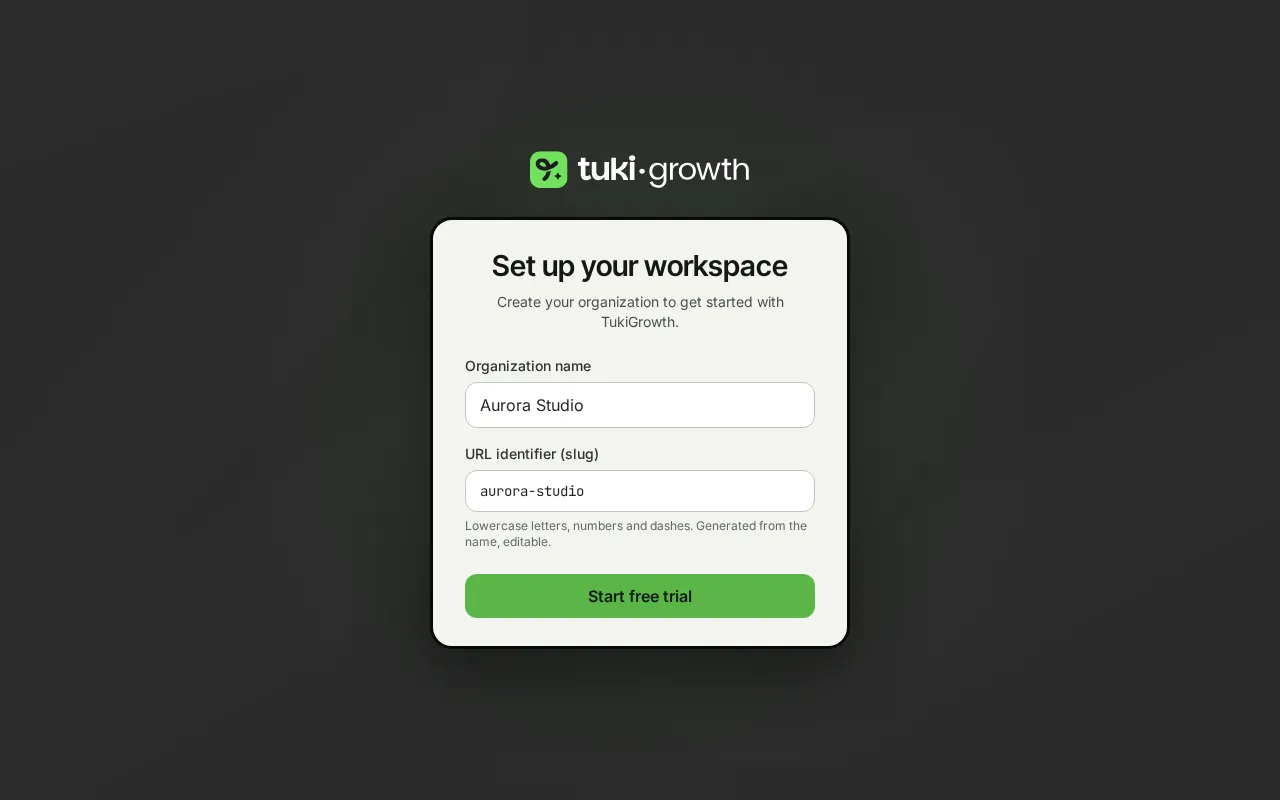
Click Start free trial
The organization is created and you become its Owner. If you see That URL identifier is already taken, change the slug to another one.
Review your trial
The Your trial is ready screen confirms the Growth plan for 14 days. If you prefer a paid plan, click Subscribe under Prefer a paid plan?.
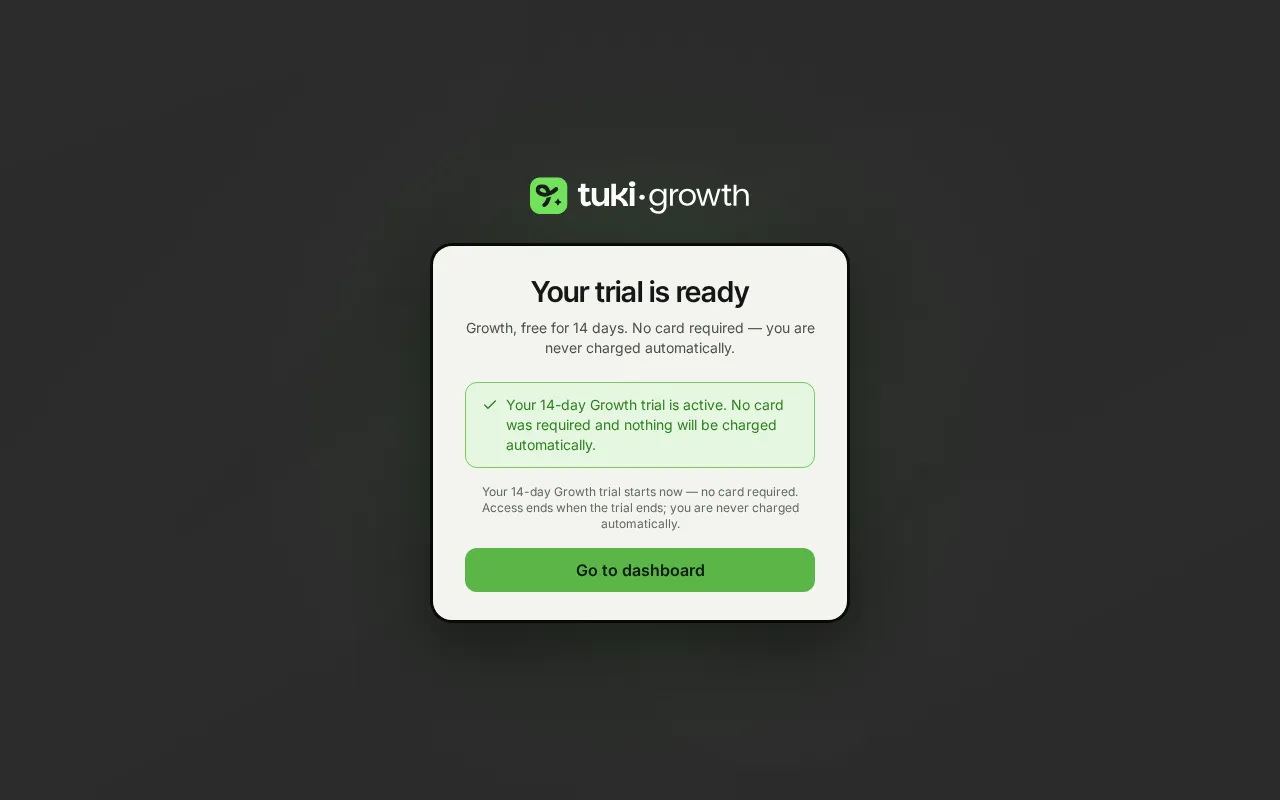
Click Go to dashboard
You’re in TukiGrowth.
Complete the welcome
Tell us about your organization
The first time, Welcome to TukiGrowth appears. Check the Name and choose the Company size and the Industry. All three are required.
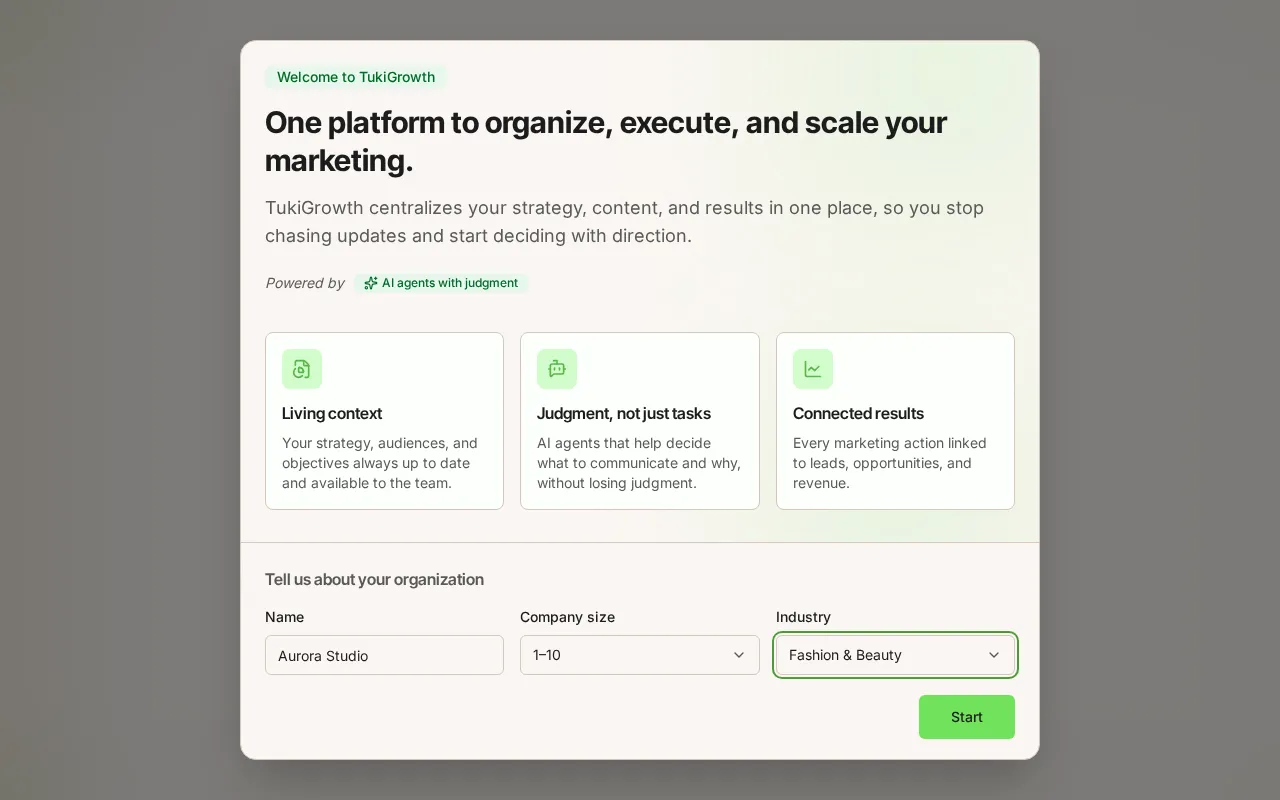
Click Start
This window appears only once. Only Owner and Admin can save these details.
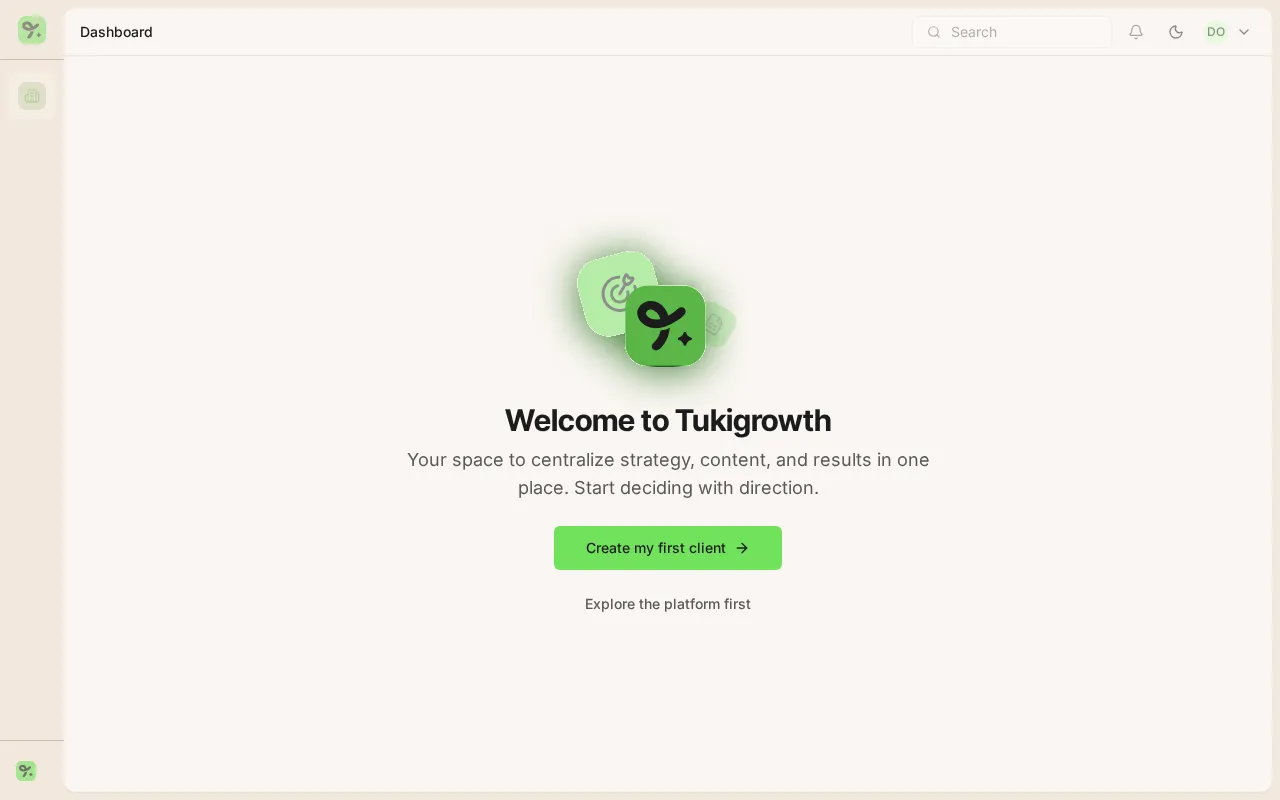
Choose how to continue
Click Create my first client to get going right away, or Explore the platform first to look around TukiGrowth without creating anything yet.
It asks me to activate my organization or choose a plan
The free trial is granted once per account. If your account already used it, or you haven’t verified your email yet, you’ll see Activate your organization and the Choose a plan button instead of Your trial is ready.
The verification email doesn't arrive
On the Check your email screen, or when you sign in, use Resend verification email. You can ask again every 60 seconds.
I need to create another organization
Owner and Admin members of an organization can create additional organizations. The free trial applies only to the first one.