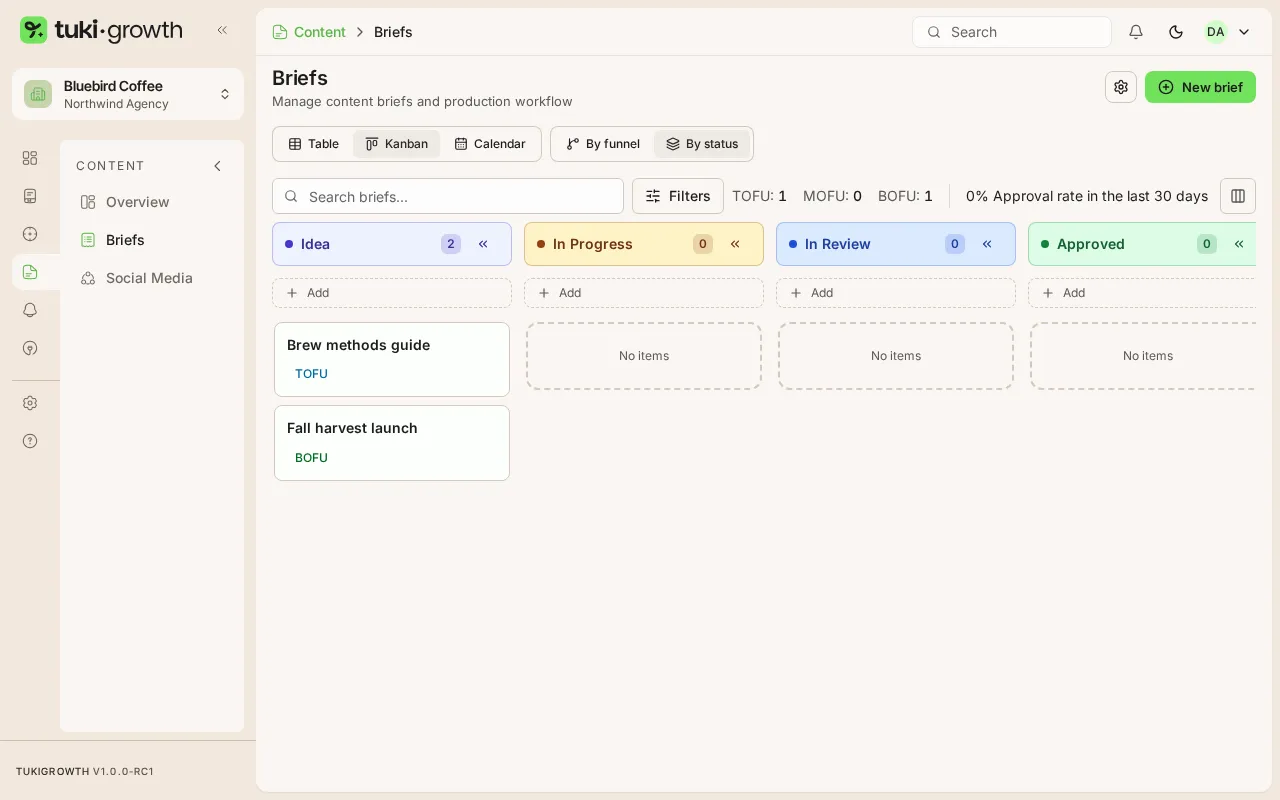
Create a content brief
Plan a piece, set its funnel stage, and move it through the workflow.
Briefs are the planning sheets for each content piece. They live inside a client with the Briefs module enabled.
Steps
-
Pick the client in the sidebar selector and open Briefs. You’ll see the table of planned pieces.
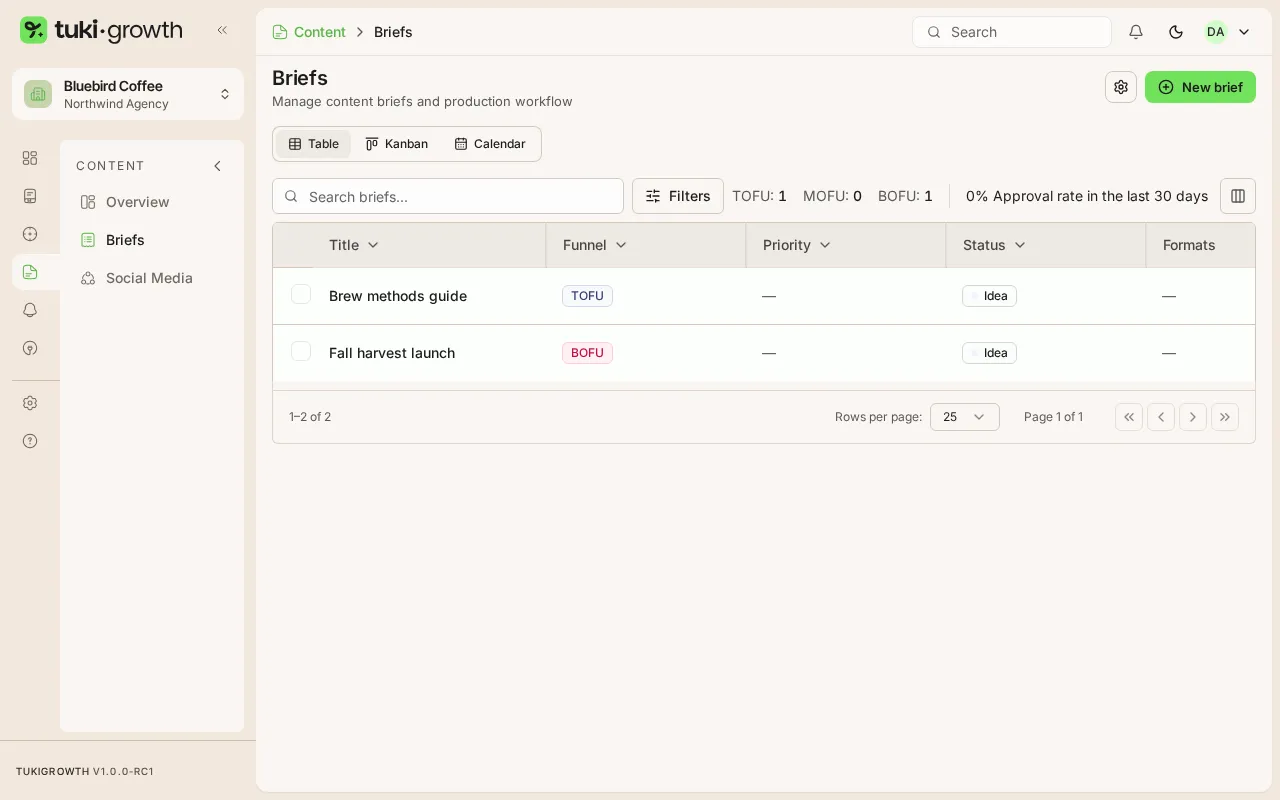
-
Click New brief at the top right.
-
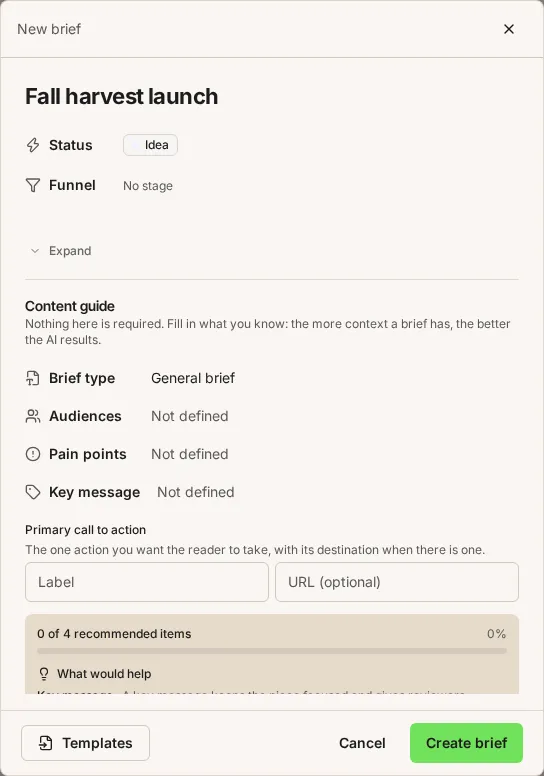
Type the brief’s title in the panel header. It’s the only required field.
-
Choose the initial Status and the Funnel stage (TOFU, MOFU, or BOFU), or leave it without a stage.
-
Optionally, fill in the Content guide: Brief type, audiences, pain points, Key message, and call to action. None of it is required; the more context you give, the better the AI results. Use Templates to start from a saved template.
-
Click Create brief. The brief appears in the list with its initial status.
-
To move it through the workflow, open the brief and change its Status, or see it on the board: pick the Kanban view and group By status.